

Every photo you take carries far more than the picture itself. Your camera or phone writes a layer of metadata into the file, and most people never see any of it. This guide shows you how to read that layer on virtually any device or operating system — desktop, laptop or mobile — with no software to install.
What EXIF data and photo metadata actually are
Each time you take a photo, metadata is written alongside the image. Exactly what gets recorded depends largely on the manufacturer and the model of the camera or handset. Photos are generally stored and exchanged as JPEG, which can carry EXIF data, thumbnails embedded inside the file, and other metadata that is invisible when you simply look at the picture.
Most people who have spent any time with digital photos have heard of EXIF — Exchangeable Image File Format — which is probably what brought you here.
That data typically covers the camera make and model, the settings used to take the shot, and potentially where the photo was taken as GPS coordinates. It can also carry embedded thumbnails, authoring and copyright information, serial numbers, and proprietary blocks that manufacturers use for their own purposes.
There are other kinds of hidden metadata that are just as worth knowing about, sitting in the JPEG headers and structures rather than in EXIF itself.
Why any of this matters
The volume of information stored in an ordinary photo can raise real privacy questions once that photo is shared. A holiday snapshot posted publicly may also be publishing the coordinates of where it was taken, the serial number of the camera that took it, and a thumbnail of the image as it was before it was edited.
None of that is visible in the picture. It travels with the file.
How to view all the metadata in a photo
To read every piece of metadata in a photo, including the EXIF data, follow the steps below. Nothing needs to be installed.
-
Go to the snapWONDERS analyse page.
-
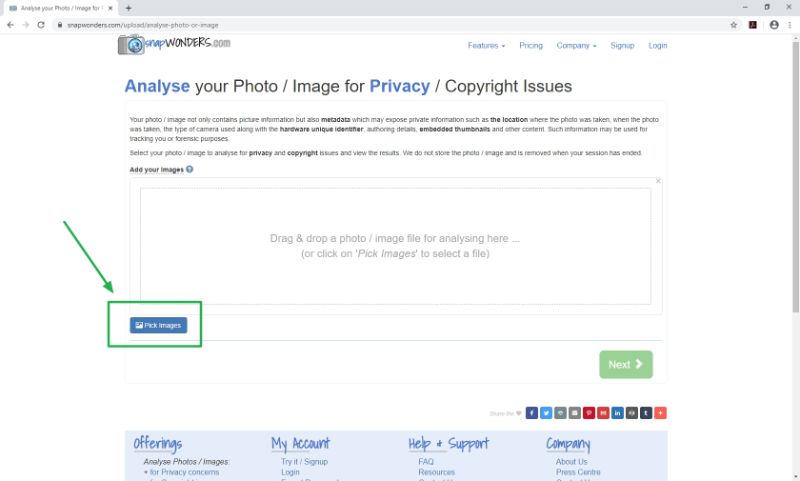
Drag and drop your photo in for analysis, or use the button to select it from your device.
-
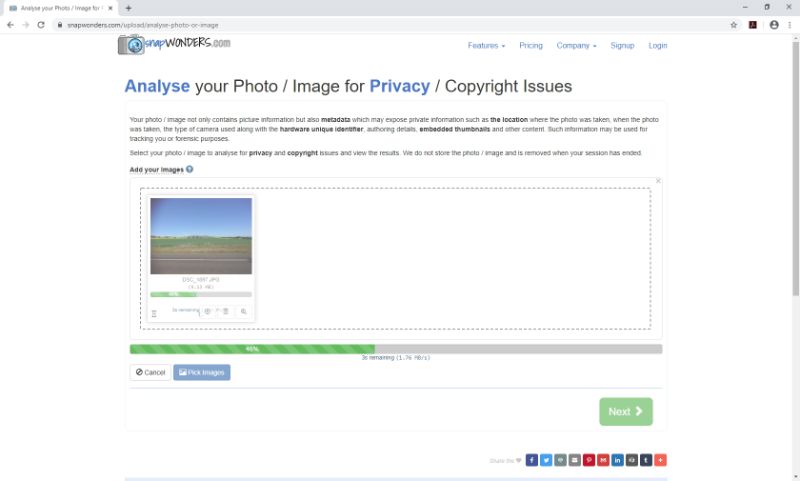
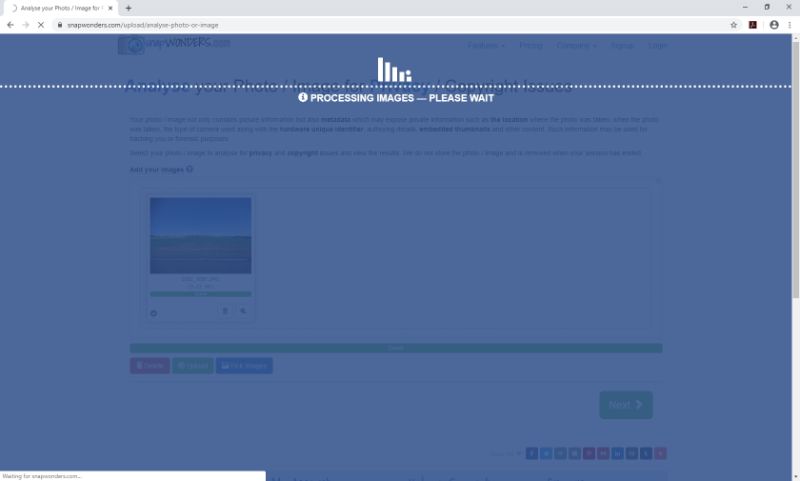
Wait for the metadata extraction to finish.
-
You are then given the analysis, summarising the metadata found along with any privacy concerns, copyright and authoring information.

-
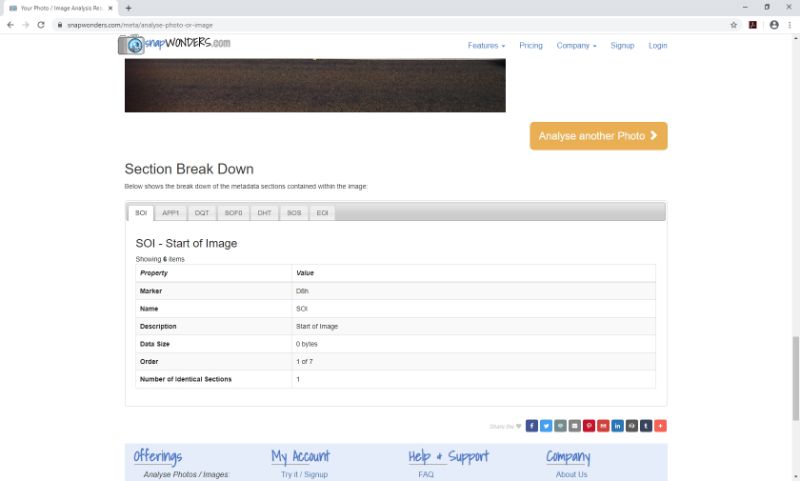
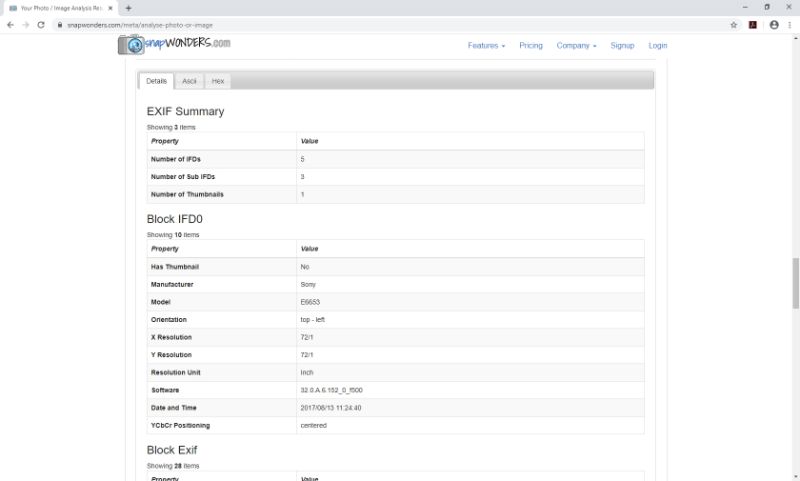
Scroll down to the section breakdown of your photo, where every metadata field is listed.
What you will notice
Run a few photos from different devices through and the differences become obvious quickly. The Sony E6653 above is a good example: it writes EXIF metadata and little else. Plenty of other models write considerably more, including manufacturer-specific blocks that are not documented publicly.
That variation is precisely why it is worth looking at your own photos rather than assuming. Two handsets photographing the same scene can leave very different trails behind.